Importing a Custom Roster
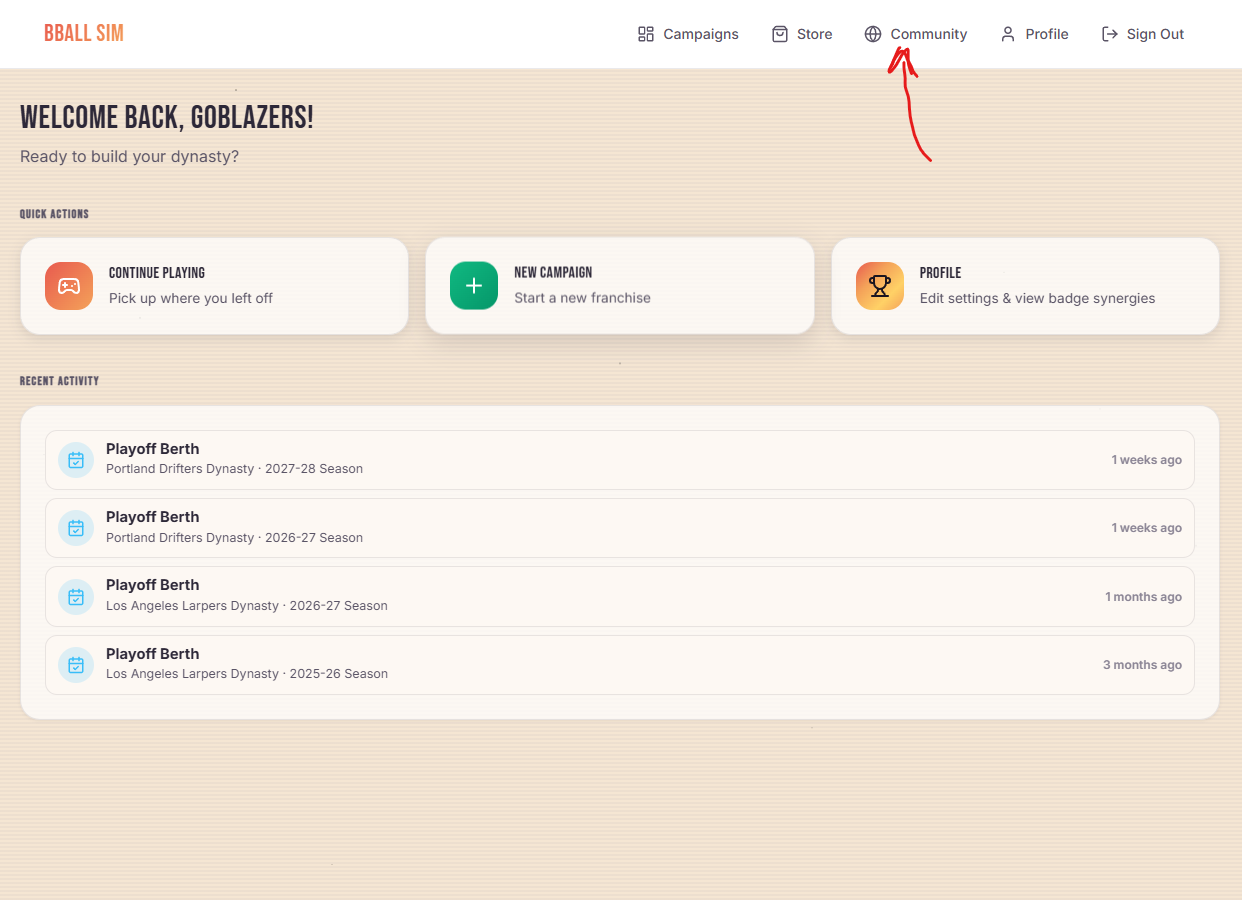
If you own the Roster Editor, than you have access to the Bball Sim community! From your main dashboard page, you should see a new link in the top nav:
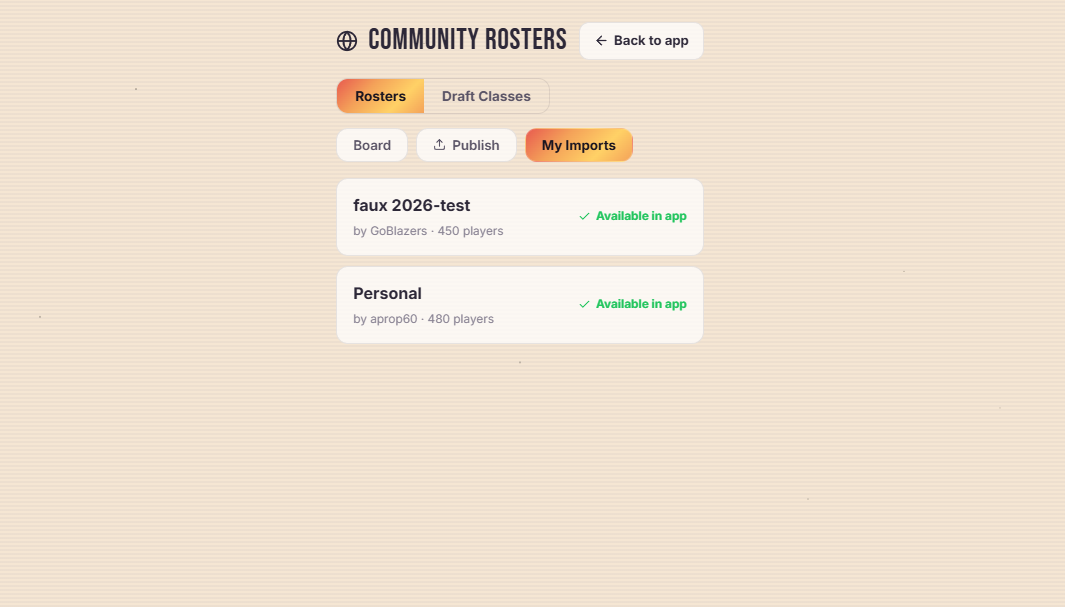
That link will take you directly into the community roster board, use the tabs to toggle between importable ‘Rosters’ and ‘Draft Classes’ – both are authorable. To import a specific file, tap the ‘import’ button. Imported files are clearly shown on the ‘My Imports’ tab:
Uploading a Custom Roster
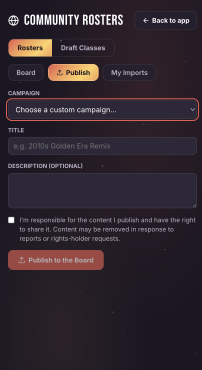
Uploading a custom created roster is just as simple. From the same community page, navigate to the ‘Publish’ tab:
From there, select the campaign that you want to import the custom roster from, add a title and an optional description, then publish!